
KDS vs kitchen printers: Which Is Better for Restaurant Efficiency?
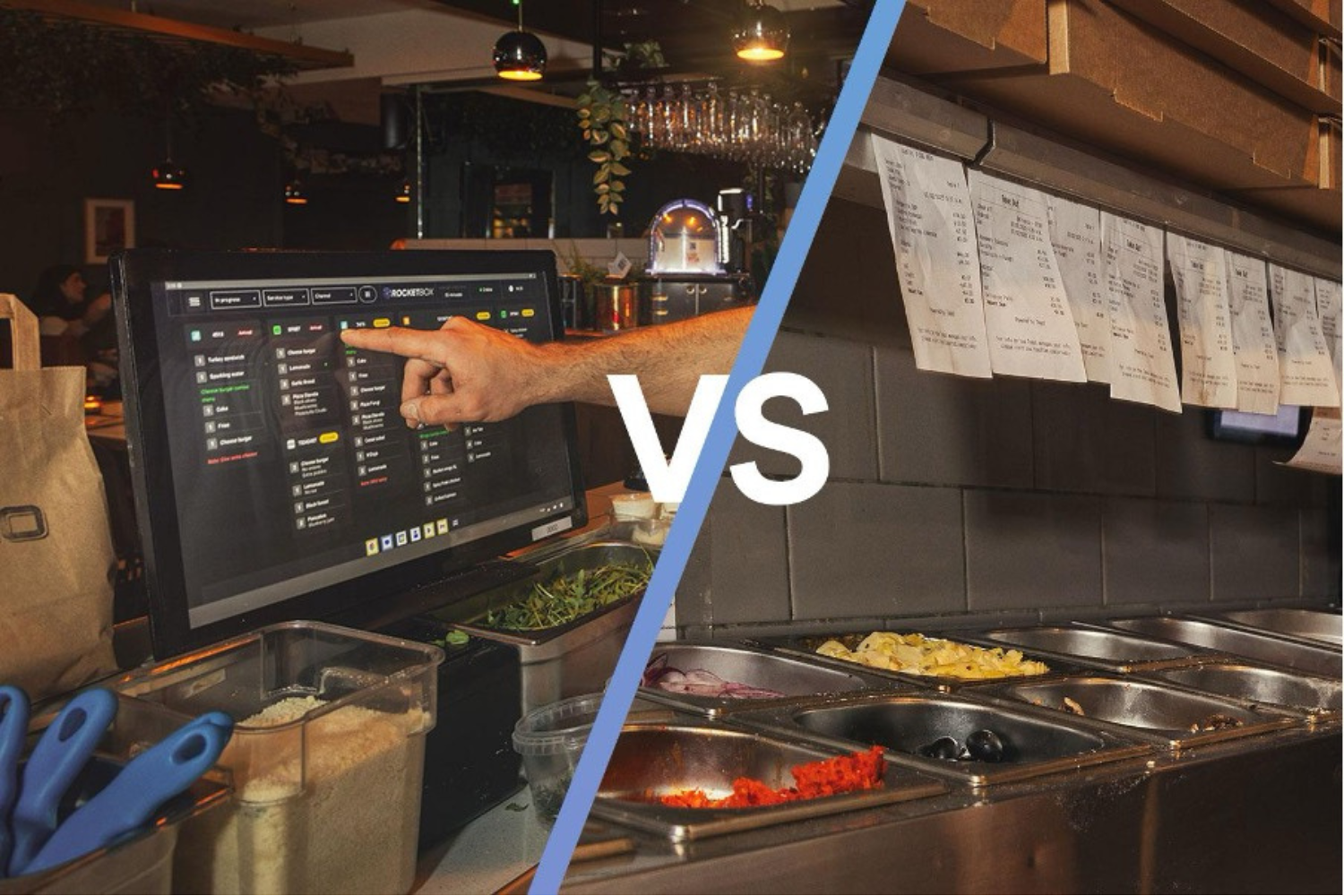
KDS vs kitchen printers is one of those debates that sounds like “tech talk”… until you’re on a slammed Friday, your delivery tablet is screaming, a ticket goes missing, and you’re refunding a guest who just wanted a hot meal delivered on time.
So let’s make this practical.
If you run a delivery-heavy restaurant, the real question behind KDS vs kitchen printers is simple:
Which system helps you push more correct food out the door, faster, with less stress, and fewer refunds?
Because margins are tight. The National Restaurant Association has pointed out that a typical restaurant operates around a ~5% pre-tax profit margin, so small inefficiencies and mistakes hurt quickly. NRA+1
This guide breaks down KDS vs kitchen printers in plain language, with real operational examples, and a clear decision framework for modern restaurant operations.
We’ll also discuss standard KDS systems vs opting for a smart AI-powered KDS like RocketBox which will bring your delivery restaurant to the next level!
Quick answer: when each wins
If you want the blunt truth
Kitchen printers are fine when volume is low and predictable, the menu is simple, and changes are rare.
A Kitchen Display System wins when you need speed, visibility, routing, accountability, and performance tracking across stations.
And if you run serious delivery volume, KDS vs kitchen printers usually stops being a debate and becomes a “how fast can we switch without chaos?”
Why this decision matters more now than it did 5 years ago?
Restaurants didn’t suddenly get worse at cooking. The environment changed.
1) Delivery volume makes “paper flow” break
In a delivery restaurant, you don’t just have tables. You have:
pickups
drivers arriving early
stacked orders
multiple channels hitting at once
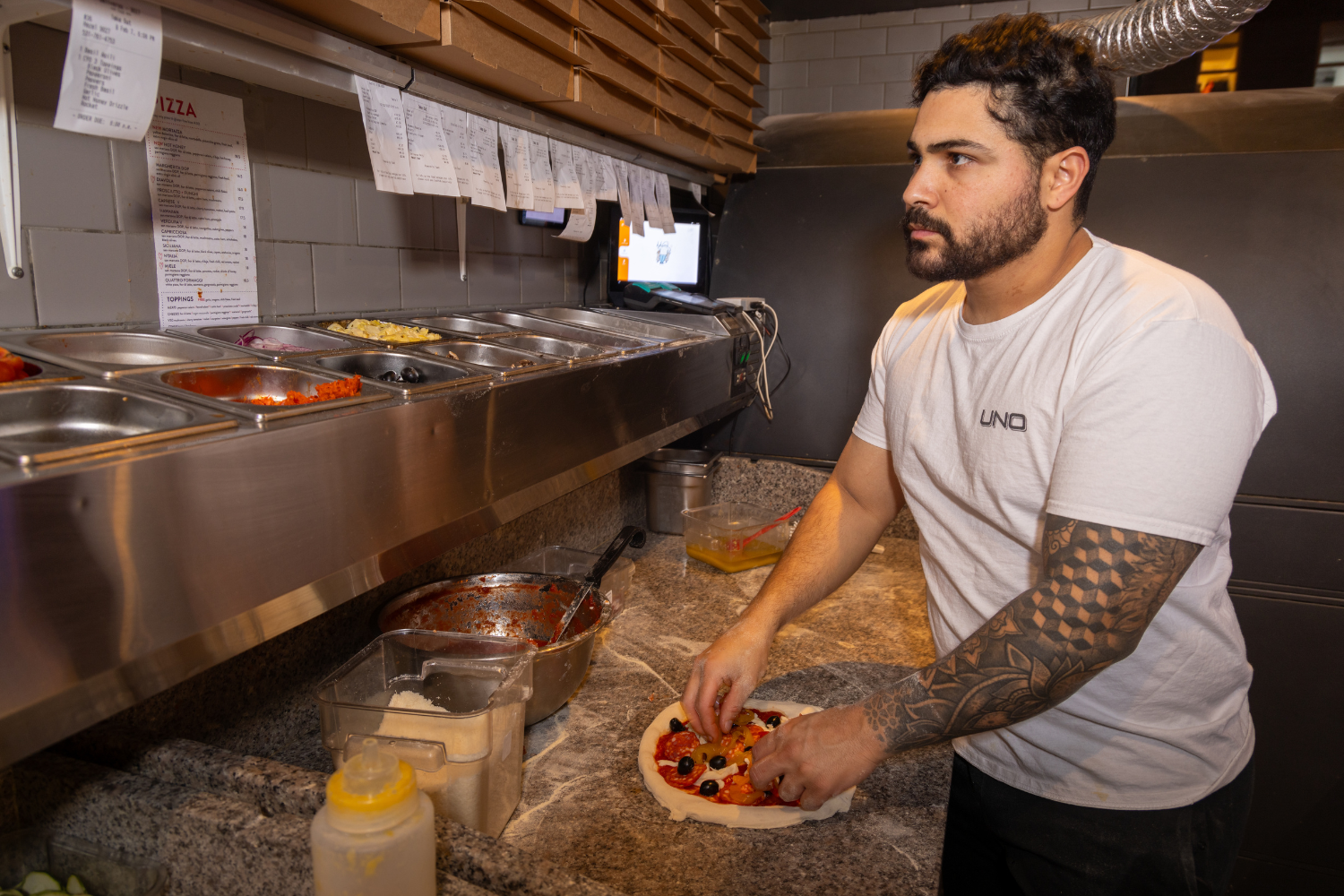
Paper tickets weren’t designed for that kind of queue complexity.
2) Guests judge you on timing, accuracy, and temperature
Delivery guests don’t see your smiling staff. They see:
missing items
soggy chips
cold food
“why did this take 75 minutes?”
In delivery, restaurant efficiency is the product.
3) With tight margins, mistakes are expensive
When you’re operating around a modest margin, every remake, comp, and refund hurts more than people realise. NRA+1
This is why KDS vs kitchen printers is really a conversation about optimising kitchen operations and protecting profit.
What kitchen printers get right (and why they’re still everywhere)
Let’s give printers some respect. They’ve survived for a reason.
The upside of printers
Simple: ticket prints, food gets made.
Familiar: everyone knows paper.
Low friction: no screens, logins, views, or configuration debates.
Cost predictable: hardware is cheap, failure modes are obvious.
The real problem: paper can’t manage modern complexity
Vendors who sell KDS solutions are blunt about paper’s weaknesses:
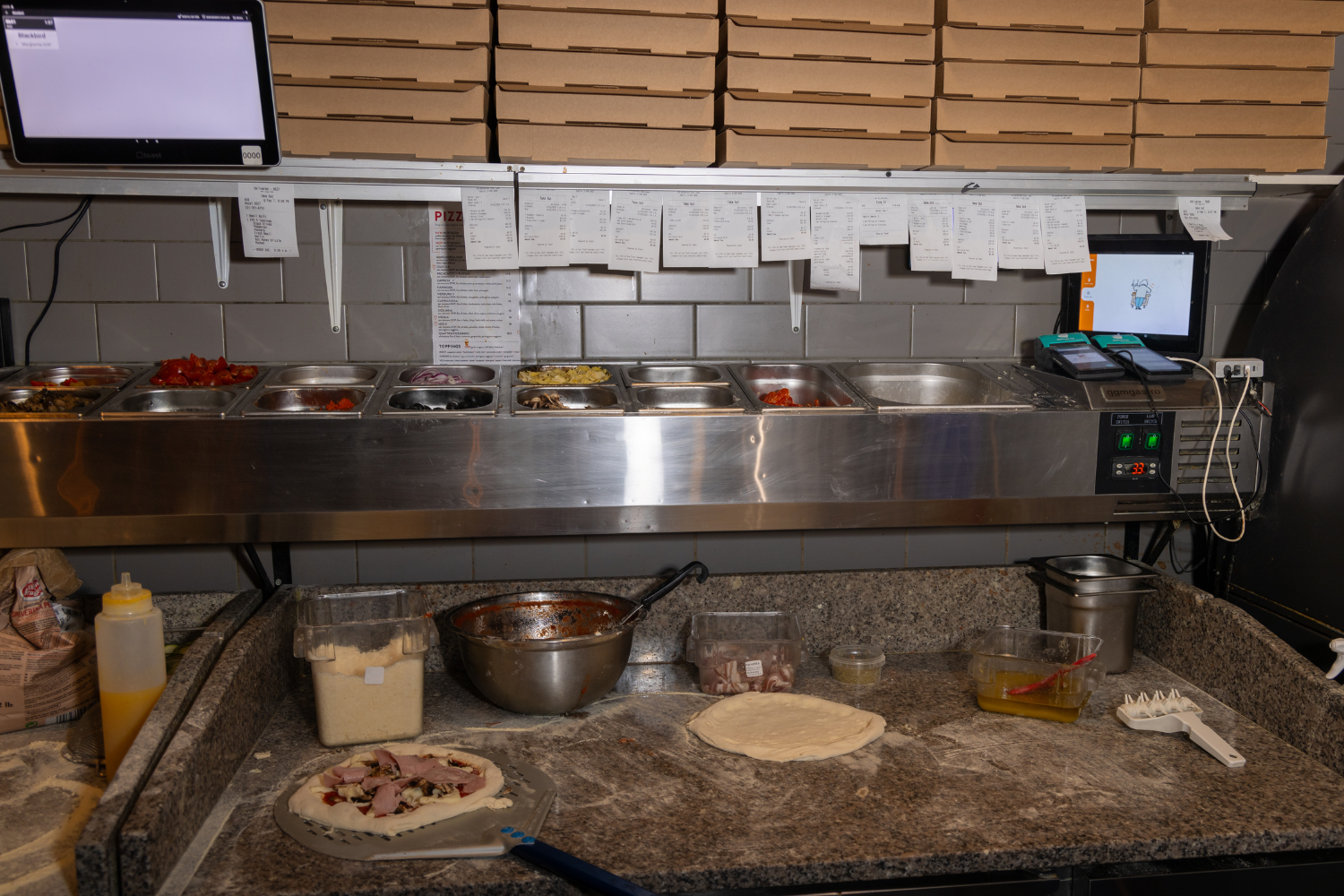
tickets can be lost, damaged, smudged, or misread
printers can run out of paper mid-rush
paper doesn’t give you live status or performance tracking
Fresh highlights the practical issue: paper can end up on the floor, behind equipment, or become illegible when wet or greasy. Fresh Technology+1
Flipdish makes the same point: paper tickets can be misplaced or damaged during busy service. Global
So when restaurant food delivery ramps up, KDS vs kitchen printers turns into: “how many ways can paper fail during a rush?”
What a Kitchen Display System actually changes in restaurant operations
A Kitchen Display System isn’t just “an iPad instead of paper”. The point is control.
Toast’s KDS overview explains the core mechanics:
orders display on screens
changes can update in real time
orders can route to prep stations and an expediter view
the system can show what’s complete and what isn’t Toast Docs
Lightspeed’s KDS shows the workflow language most systems use:
tickets move through statuses like New → Preparing → Ready → Completed
staff “bump” tickets forward as work progresses k-series-support.lightspeedhq.com
That sounds basic, but it changes everything when you’re trying to optimise kitchen operations.
The three big operational upgrades a KDS gives you
One live queue everyone can see
Clear priorities and states
Data you can actually manage
And this is where KDS vs kitchen printers starts to look less like preference and more like capability.
KDS vs kitchen printers: the 10 comparisons that actually matter
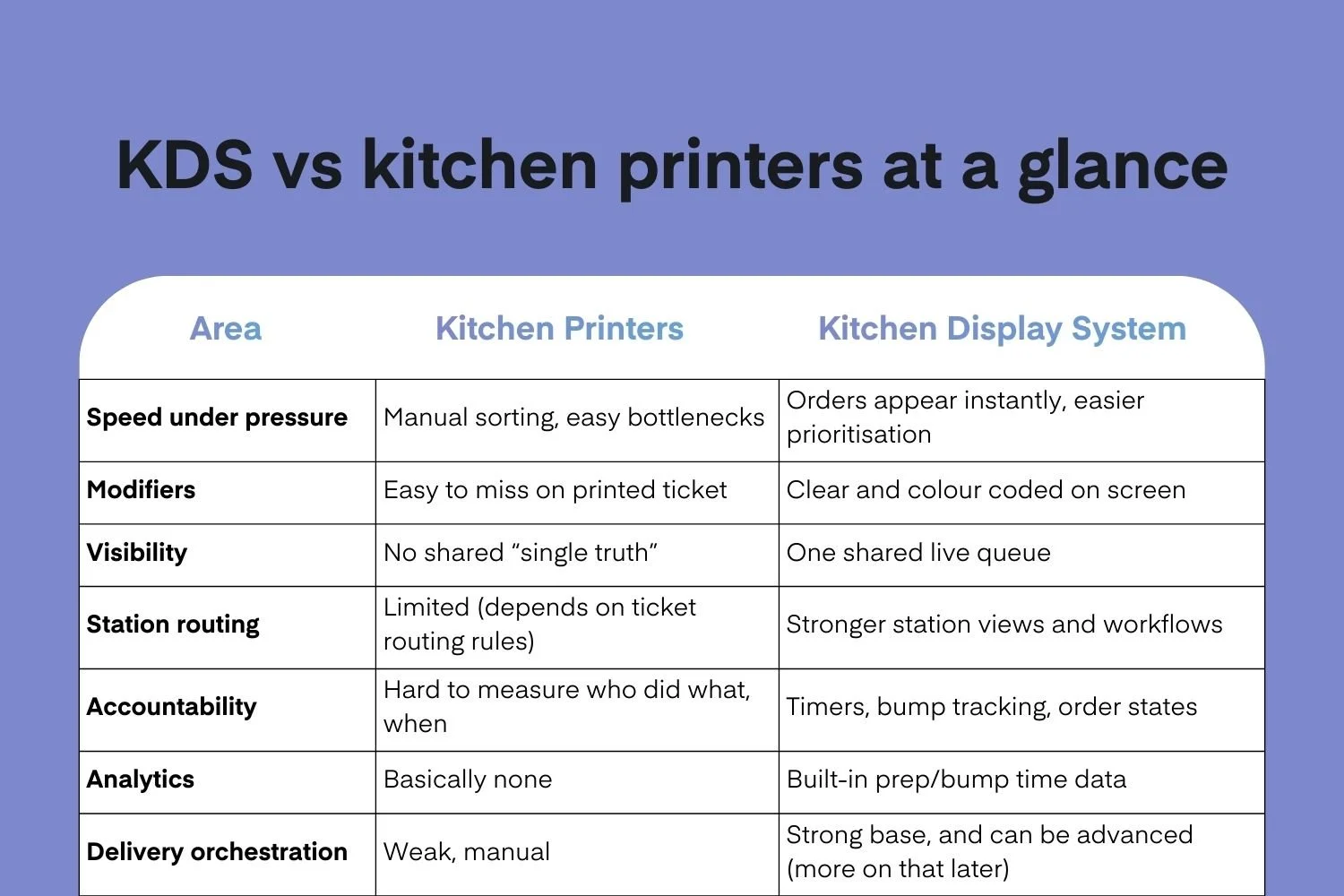
1) Speed: who wins when the volume spikes?
With printers, speed depends on humans doing extra work:
collecting tickets
sorting them
re-ordering the rail
shouting updates
With a KDS, orders are already organised as a live list. Most systems can visually flag ticket age and urgency. KDS can use visual and sound notifications, and ticket indicators based on age.
Verdict: KDS wins when volume is unpredictable.
2) Accuracy: which reduces missed items and wrong modifiers?
Printer accuracy is only as good as:
legibility
ticket handling
whether the right station saw the right ticket
whether updates were communicated
KDS accuracy improves because everyone sees the same order details and modifiers clearly, usually with colour coded or highlighted modifiers, and with fewer “where’s the ticket?” moments.
Verdict: KDS wins, especially for complex menus and high modifier counts.
3) Changes mid-flight: who handles edits better?
This is a killer in delivery restaurants, what happens when a guest calls to remove an ingredient?
If changes are made on POS devices, those changes would usually appear on KDS devices in real time.
On paper, the change often becomes:
a second ticket
a shouted message
a handwritten note
a missed update
Verdict: KDS wins hard.
4) Station routing: who keeps the line organised?
Printers can route tickets, but it often ends up messy:
duplicate tickets
wrong station gets the whole order
staff rely on memory and experience to “split” work
KDS systems are built around kitchen stations: prep views and expeditor views are generally standard concepts.
Verdict: KDS wins for multi-station kitchens.
5) Visibility: who knows what’s happening right now?
In strong restaurant operations, “I don’t know” is expensive.
Printers don’t provide:
a live status view
a clear “ready vs not ready”
a queue everyone can reference
KDS are usually designed around filtering by ticket status and type (delivery, pickup, dine-in).
Verdict: KDS wins for management visibility.
6) Accountability: who can tell you what went wrong?
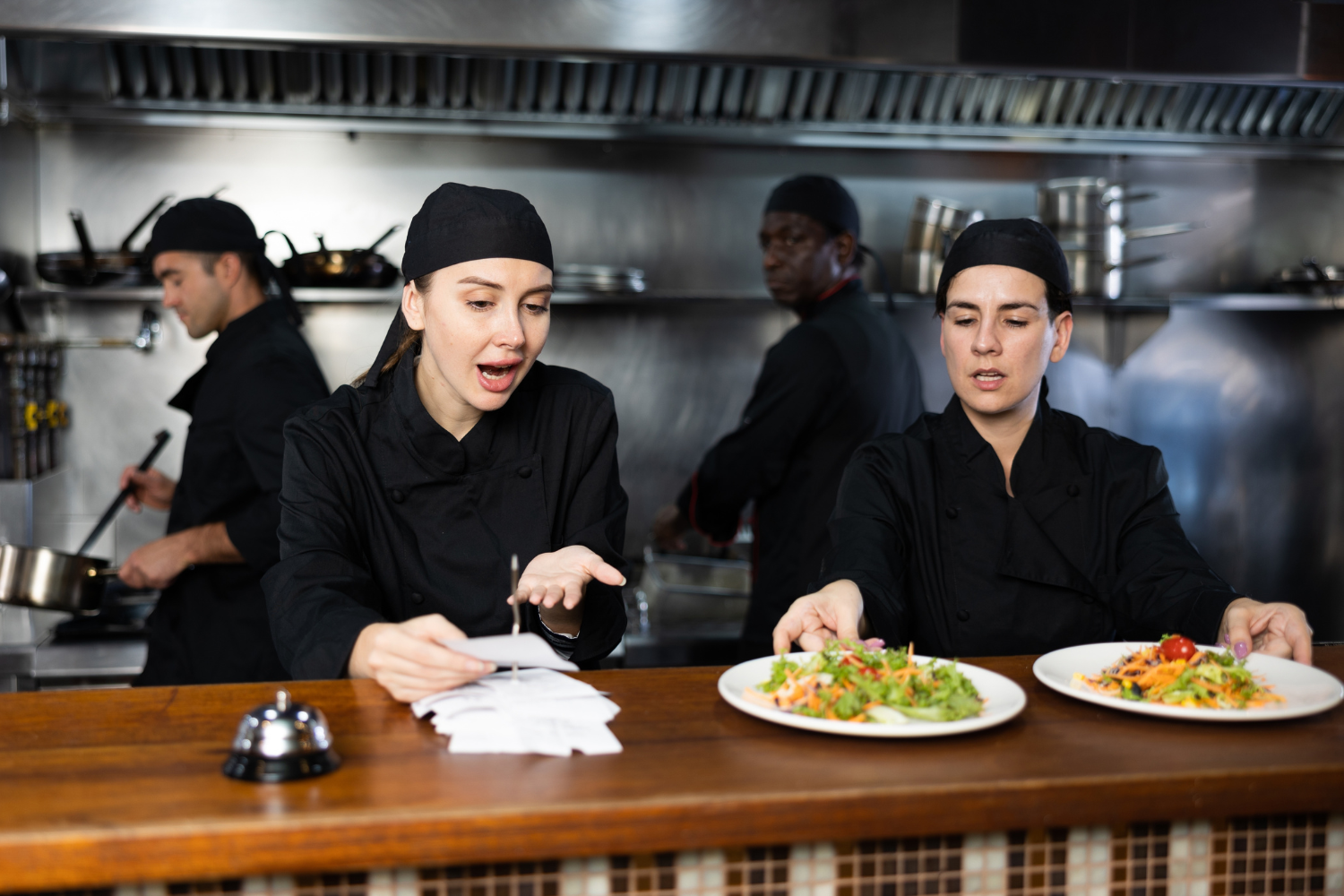
When something fails on paper, you get stories:
“I never saw that ticket”
“I thought that was yours”
A KDS creates a trackable workflow:
ticket timestamps
status transitions
who bumped what and when (depending on system)
This is how you optimise kitchen operations without guessing.
Verdict: KDS wins if you care about repeatable performance.
7) Analytics: who helps you improve week over week?
If you’re serious about restaurant efficiency, you need numbers:
average prep time by station
ticket age distribution
peak time bottlenecks
staff load issues
Printers give you none of that.
KDS platforms are built to support performance tracking through timestamps and stages. Depending on the system you choose you can have very high visibility across your brand.
Verdict: KDS wins, no contest.
8) Training new staff: who reduces “tribal knowledge” dependence?
Paper systems rely on experienced people knowing:
which tickets matter
how to prioritise
what to do when a driver comes to collect 2 orders placed at different times
how to recover from chaos
KDS systems make priorities visible and standardise workflow stages. A smart KDS will prioritise orders and sync with drivers so that your team don’t even have to think about what order needs to be made next.
Verdict: KDS wins if you hire frequently or scale locations.

9) Cost: what is actually cheaper?
This is where KDS vs kitchen printers gets tricky.
Printers look cheaper upfront:
cheap printer hardware
cheap paper rolls
But cost isn’t just hardware. It’s also:
remakes
refunds
slower throughput
extra labour during rush
Given tight margins, speed and accuracy improvements can outweigh the screen cost quickly. NRA+1
Verdict: printers can be cheaper short term; KDS often wins on total operational cost whirl also boosting revenue.
10) Resilience: what happens when something fails?
Printers fail in obvious ways:
paper jam
no paper
ribbon issues
tickets fade or tear
KDS failures can be:
network issues
device issues
A well-run setup plans for this either way. But the bigger picture is: paper failure modes scale with volume, while a well setup and implemented, KDS will not fail with scale and volume.
Verdict: KDS rewards good implementation and better for volume.
Where generic KDS systems (Toast, Lightspeed, Fresh KDS) are strong
Let’s be fair. Most modern KDS products are genuinely useful.
What “standard” KDS platforms usually do well
show tickets clearly
route to stations
support bumping and status stages
give basic timing visibility
reduce paper chaos
So if you’re choosing between KDS vs kitchen printers, even a “normal” KDS is usually a meaningful upgrade for restaurant operations.
Where standard KDS often stops short in delivery restaurants
Here’s the uncomfortable truth:
Most KDS products were designed to make the kitchen clearer.
They were not designed to orchestrate delivery.
Delivery kitchens don’t just need visibility. They need decision-making support:
which order should be cooked first to avoid late delivery?
what happens when drivers arrive early and delivery channels stack orders?
how do you prevent the kitchen from making orders too early that will sit?
how do you balance workload across stations dynamically?
This is where KDS vs kitchen printers becomes “visibility vs control”.
And this is where and advanced KDS system like RocketBox fits naturally.
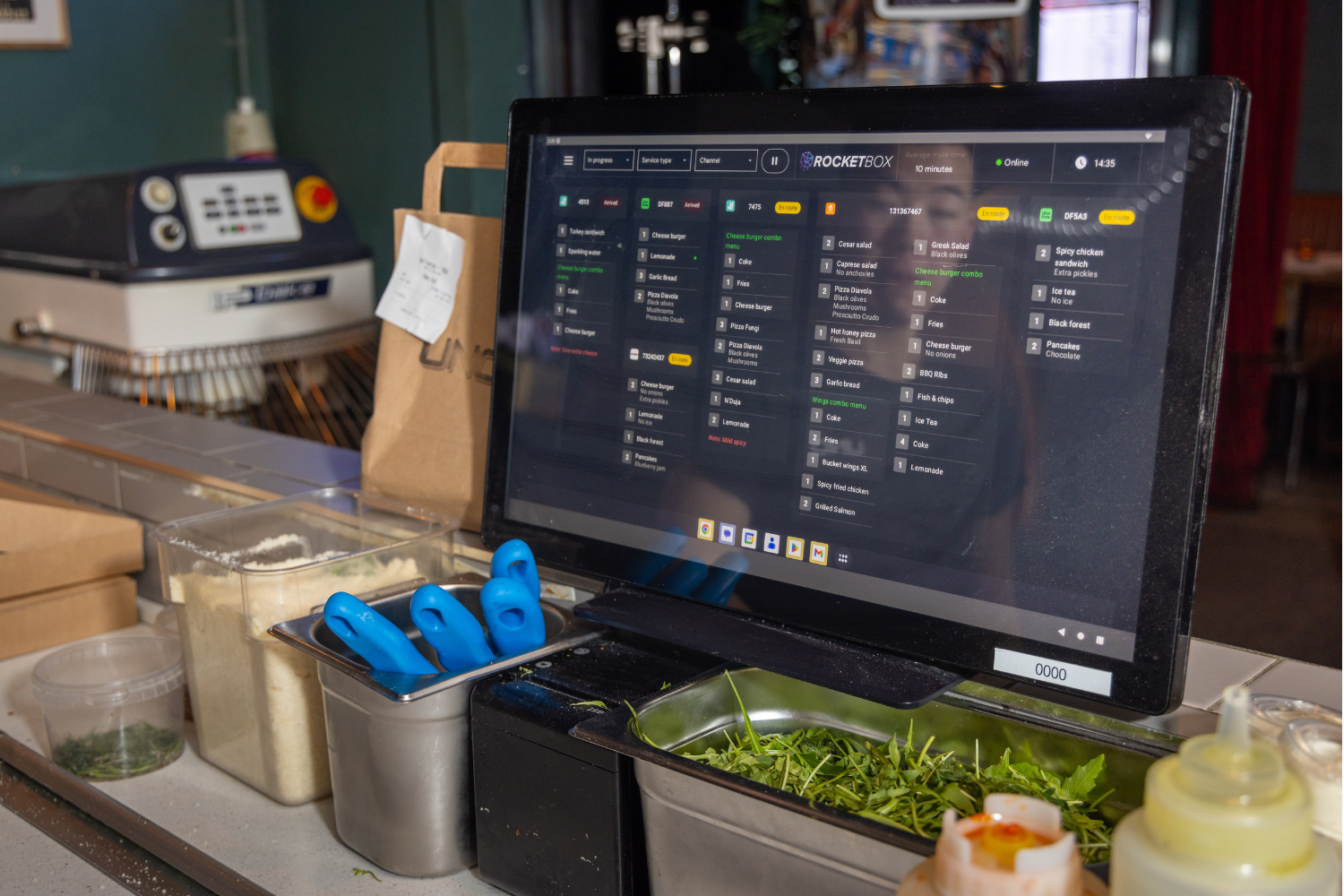
The RocketBox difference: KDS built for delivery orchestration
A standard Kitchen Display System helps you display orders in a first in first out basis.
RocketBox is built to help you prioritise orders.
If you’ve ever watched a busy kitchen get crushed by delivery timing mismatch, you already know the real enemy:
food gets made too early and dies on the pass
drivers arrive too early and clog up your waiting area
drivers arrive too late and the food sits
staff get stressed because the queue is “loud” but not “smart”
RocketBox is a more advanced offering than typical KDS tools because it’s designed around three delivery-first capabilities:
1) AI-powered order prioritisation and sorting
Most KDS systems show tickets in time order.
RocketBox focuses on getting the right orders cooked at the right time, by helping prioritise and sort work based on operational logic (not just chronology).
2) Driver and kitchen sync
Delivery restaurants live and die by timing. RocketBox is built to sync kitchen production with delivery flow, reducing the “cooked and waiting” problem that destroys quality and guest satisfaction.
3) Advanced stationisation and routing
Standard KDS setups support stations, but RocketBox goes deeper with advanced kitchen station design, routing, and management views so multi-station kitchens can stay fast without relying on one heroic expeditor.
That’s not hype. It’s simply what delivery kitchens actually need once volume grows.
So in the KDS vs kitchen printers conversation, RocketBox isn’t just “pick a KDS”. It’s “pick the kind of KDS that matches modern restaurant food delivery reality.”
The hybrid approach: when KDS vs kitchen printers isn’t either/or
You don’t have to go full screen-only on day one.
A smart transition plan often looks like:
KDS for core make-line and expeditor
printer for backup, labels, or niche use cases (like packaging labels)
This lets you keep resilience while moving restaurant operations toward real visibility and better restaurant efficiency.
Implementation plan: how to switch without disrupting service
If you want to win the KDS vs kitchen printers changeover, focus on execution.
Step 1: map your stations
Don’t start with technology. Start with flow.
Where does work enter?
Which stations touch each item?
Where does expo happen?
Where does packaging happen for restaurant food delivery?
Step 2: define “bump rules” clearly
In KDS systems, bumping is a language.
If bumping is inconsistent, your data and visibility become fiction.
Step 3: train on scenarios, not buttons
Train staff on moments:
order gets edited
item is 86’d
driver arrives early
order is late
a station is overloaded
Step 4: measure three numbers weekly
To optimise kitchen operations, track:
average ticket time by channel
late delivery rate (or refund rate)
“ready and waiting” time
A KDS gives you a fighting chance to measure this. Printers don’t.
ROI framework: how to calculate if KDS beats printers for you
Here’s a simple way to evaluate KDS vs kitchen printers without getting lost.
The “3 buckets” ROI check
Throughput gain
If you can push more orders per hour at peak, that’s revenue.Mistake reduction
Every remake/refund is direct cost plus brand damage.Labour efficiency
If your team spends less time sorting paper and shouting, they spend more time producing.
Because margins are tight, all of these gains matter.
FAQs: KDS vs kitchen printers
Is a Kitchen Display System only for big restaurants?
No. A Kitchen Display System helps any team that wants clearer workflows, faster order handling, and better restaurant efficiency. The benefits show up sooner in busy kitchens.
Does a Kitchen Display System help with restaurant food delivery?
Yes, because delivery is a queue problem. A KDS improves visibility and order control. For delivery-heavy operations, a KDS becomes a foundation for optimising kitchen operations. But for real impact you’ll want to look for a smart KDS like RocketBox.
When should I keep printers?
If you have very low volume, a simple menu, or you need printed labels/backup processes, printers can still play a role. Many teams start hybrid while they transition from KDS vs kitchen printers to “best of both”.
What makes RocketBox different from a standard Kitchen Display System?
RocketBox is built for delivery-first restaurant operations with more advanced capabilities like AI order prioritisation and sorting, driver and kitchen sync, and deeper stationisation logic than typical KDS tools.
Conclusion: the real winner in KDS vs kitchen printers
Let’s land this.
KDS vs kitchen printers is a performance decision.
If your kitchen is calm, predictable, and simple, printers can work fine.
But if you’re operating in modern restaurant food delivery conditions, where multiple channels hit at once and timing is everything, then KDS vs kitchen printers usually resolves itself:
A Kitchen Display System gives you the visibility, control, and data you need to run faster and cleaner.
And if you want more than visibility, if you want the system to actively help you prioritise and sort work, sync the kitchen with delivery flow, and manage advanced station setups, then RocketBox KDS is the natural next step.
That’s the evolution:
printers simply print orders
a standard KDS helps you see orders clearly
RocketBox KDS helps you run your kitchen efficiently
So if you’re still weighing KDS vs kitchen printers, the best question to ask is:
Do you want to survive busy shifts… or dominate them?
